Prior to this session we were asked to create a presentation containing photographs of ten items which resembled us as a person. On the previous blog entry (Reflection – Week One (Kahoot)) I discussed how our tutor, Mark had presented his ten things to the group to give us an idea of what we had to do for the task.
When preparing my presentation, I found the PowerPoint software extremely easy to use. I liked how simple it was to add new slides, images and text. I was also able to duplicate slides which made it easy to keep they layout on each of my slides the same. Another aspect of the PowerPoint software I enjoyed using was the notes – I will discuss this further down as it benefitted my greatly during the delivery of my presentation.

The focus of this session was to watch each member of the group deliver their ‘ten things’ presentations which we had completed at home. I decided to put myself forward as the first presenter, as I have learnt that it works best for me to get any tasks such as these done first to stop my nerves from building whist watching others.
Although I was extremely nervous to speak in front of the group, I feel as though my presentation went well. I had saved my presentation into my UBS Drive which enabled me to load it instantly onto the university computers. As if was my first time using a MAC PC, I was given some instructions from Mark on how to load up my presentation from my storage drive, and also eject the drive safely to reduce the risks of any files being corrupted.
During my delivery, the PowerPoint software allowed me to view my notes on the computer screen while the group could only view the PowerPoint slides on the projector screen. This benefitted me as it enabled me to expand on each of my ten things naturally and confidently to the group.
I also feel as though the presentation allowed members of our group to interact and engage with the ten things better as I was able to add images to the slides. This could be a great benefit when teaching different topics in order to help students understand better. I also noticed that because I was at the front of the room, all of the group were involved which sparked interesting conversation and engagement throughout.
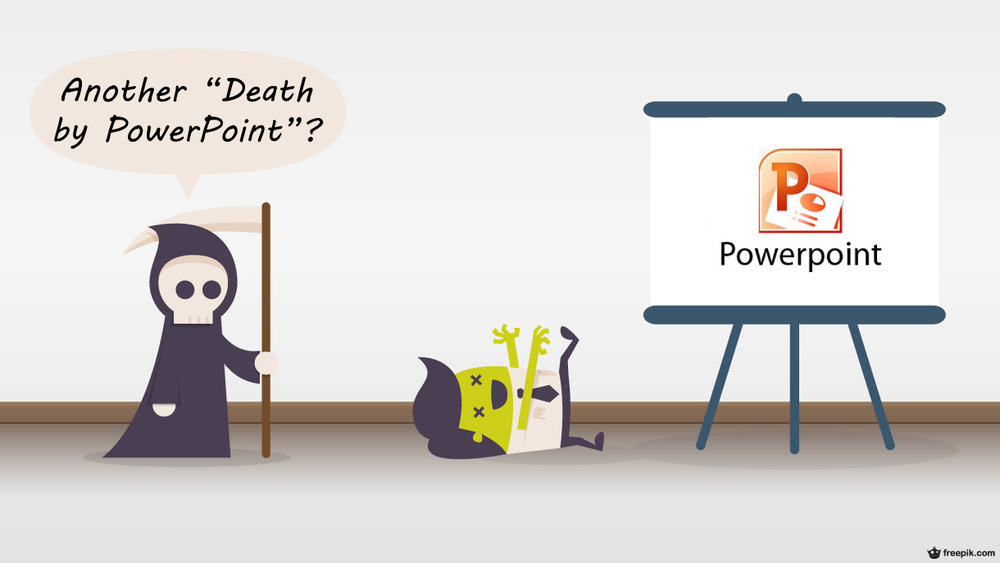
While many students have stated that they have suffered with a ‘death by PowerPoint’ experience during their time in education, I found that it worked extremely well for myself and I believe these are some of the reasons why:
– I was the firt person from my group to present, this helped the group to stay engaged throughout.
– The slides were set to on a 20 second timer to ensure I did not talk too much on one slide.
– Only three bullet points of writing were entered on each slide and I expanded on there in my own words. This ensured the group were more focused on what I was saying rather than constantly reading the slides.
– The images I used were large and colourful.
Although I was extremely nervous to present to the group, I found that I really enjoyed it afterwards. My peers really helped me to feel comfortable while I was talking, and their obvious engagement with my slides helped me to feel more at ease. I also enjoyed watching my peers and getting to know each of them a little bit better through the use of their ‘Ten Things’ presentations.
Rebecca.
 Rebecca's Educational Blog